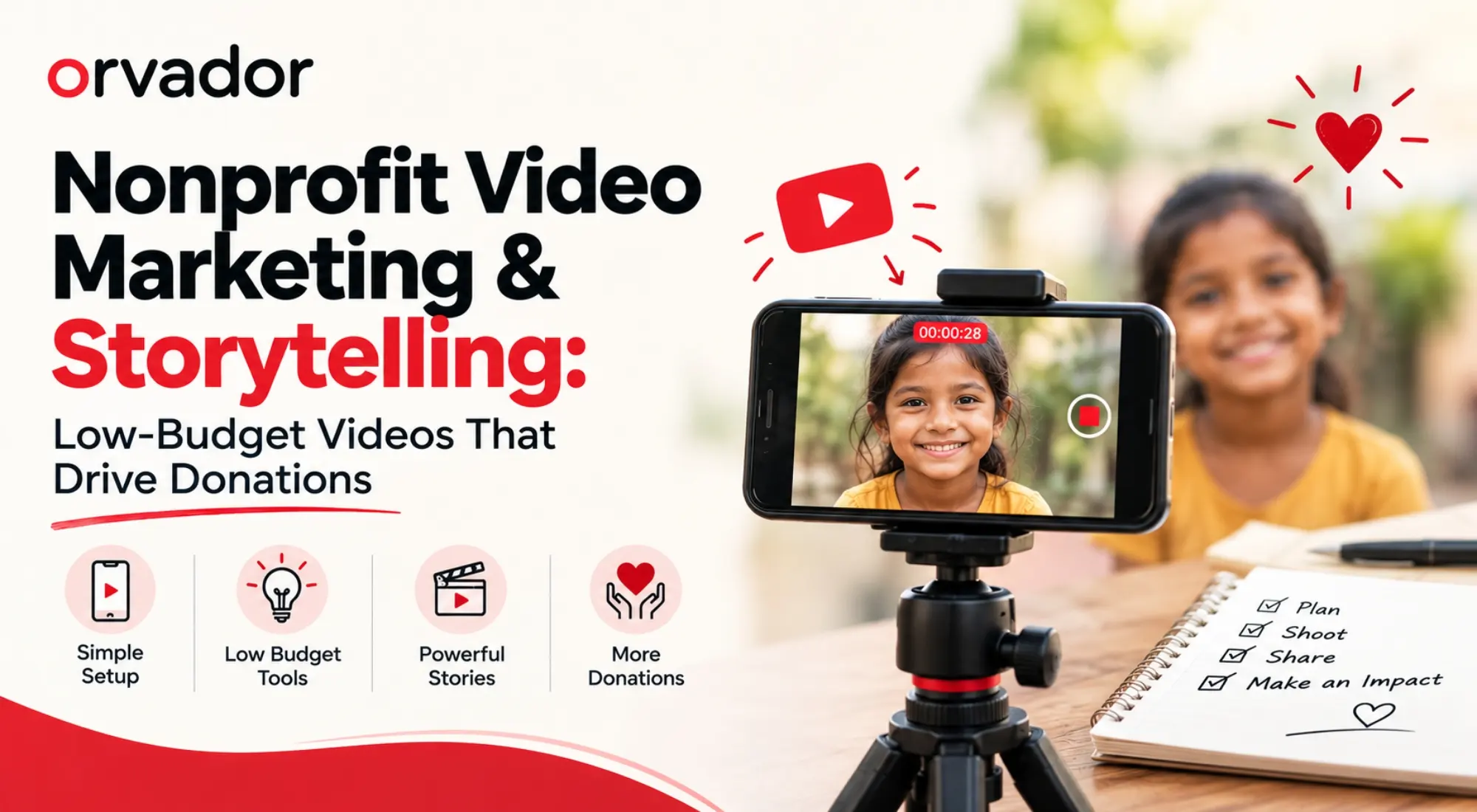
TL;DR: You don’t need a production budget to make video marketing for nonprofits work. A phone, decent light, and a script built around one real person’s story can make your message more engaging without expensive production. This guide covers the four videos every cause needs, a sub-$150 shooting setup, free editing tools, and where to publish so your nonprofit impact storytelling actually reaches donors instead of sitting in a folder. If you want ad-ready cuts, we also cover video ads for nonprofit fundraising campaigns — no agency budget required.
Why Video Matters for Causes
Text asks people to imagine. Video shows them. That gap matters in fundraising because donors are being asked to understand how their money can create change they may not be able to see directly. A 60-second clip of a real beneficiary, filmed handheld in natural light, can make that impact easier to understand than a paragraph alone.
There’s also a practical reason video marketing for nonprofits works across multiple channels: video can make stories easier to understand, share, and repurpose. Instagram and YouTube are naturally video-led platforms, while useful video content can also support visibility when it is relevant to what people are searching for.
And donors can remember video. A well-made impact clip can make a nonprofit’s work more tangible and help supporters understand what their contribution can accomplish. That’s the case for nonprofit video storytelling in one line: it doesn’t just inform, it can help people connect with the mission while the story is fresh.
None of this requires a videographer on staff. Just a plan, a phone, and a willingness to keep things a little rough around the edges.
The 4 Videos Every Nonprofit Needs (Scripts Included)
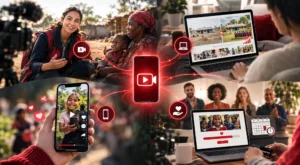
Most organizations try to make one video do everything. It rarely works. Build these four instead and reuse them across different campaigns and channels.
1. The 90-Second Founder or Field Story
Script skeleton: state the problem in one line (“Every year, 40 families here lose their harvest to a single flood.”) → cut to the person closest to it explaining what changed → end on a specific ask (“₹500 rebuilds one family’s seed stock.”). Keep it under 90 seconds and focus on one clear story.
2. The Donor Impact Recap
Your thank-you-and-proof video, sent to existing donors quarterly.
Script: “Here’s what your last gift did” → three concrete outcomes with numbers → one beneficiary quote → a soft ask to renew or upgrade.
This gives donors a clear view of what their support helped accomplish and can complement regular donor communications.
3. The 15-Second Social Hook
Built for Reels and Shorts, not repurposed from something longer.
Text overlay poses a question or stat in the first two seconds, cuts to five seconds of raw footage, and ends on your handle and a link-in-bio prompt. Designed to be shared and understood quickly.
4. The Campaign Ask
Tied to a specific push — GivingTuesday campaign ideas, a matching gift window, or a disaster response appeal.
Structure: urgency line → why now → exact dollar-to-outcome ratio → deadline → button.
This is the format behind many video ads for nonprofit fundraising campaigns, built around one trackable conversion.
Write all four scripts before you shoot anything. It’s the difference between an afternoon of filming and three weekends of reshoots.
Shooting on a Phone: Gear & Setup Under $150
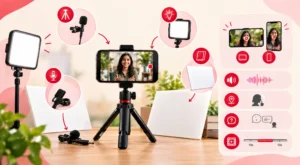
You don’t need more than this list, and most of it can be found secondhand.
A tripod or phone clamp (~$10–15) — the biggest quality jump for the least money. Shaky handheld footage can distract viewers; locked-off footage makes the shot feel more intentional.
A clip-on lavalier mic ($15–25) — audio matters more than picture. Viewers may forgive grainy video, but unclear audio can make a clip difficult to follow.
A cheap LED panel or ring light ($20–40) — window light works outdoors, but indoor interviews may need additional light to keep faces clear.
A $5 sheet of white foam board as a reflector — bounces light into shadows, especially useful on harsh midday shoots.
Shoot at 1080p or 4K, horizontal for YouTube and your website, and grab a few vertical takes of the same scene for Reels and Shorts. Film somewhere quiet, ask your subject two or three versions of the same question, and grab 10 extra seconds of silence at the start and end of every clip for breathing room in the edit.
Editing & Captions With Free Tools
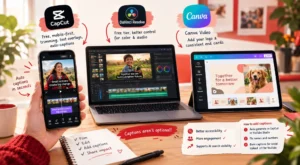
You don’t need Premiere Pro for any of the four video types.
CapCut — free, mobile-first, and useful for trimming, text overlays, and auto-captions. Most social cuts can be built entirely inside the app.
DaVinci Resolve (free tier) — steeper learning curve, but useful for founder-story and campaign-ask videos where color and audio need finer control.
Canva Video — useful for adding your logo and a consistent end card across every video without opening a separate tool.
Also Read: Canva for Nonprofits
Captions aren’t optional. They make videos easier to follow when sound is off and provide additional text context around video content. They can also support AI search visibility when the page and video are relevant to what people are searching for.
Auto-generate captions in CapCut or YouTube Studio, then fix the names and numbers the auto-transcriber mangles. Burn captions into the video for social; upload a clean .srt file to YouTube separately.
Distributing: YouTube SEO, Reels, Ads, Email Embeds
Filming the video is half of video marketing for nonprofits. Getting it in front of the right person is the other half, and it’s the step most organizations skip.
YouTube SEO
Write a real title and description, not the video’s file name. SEO for nonprofits also depends on making content useful and discoverable rather than relying on keyword repetition.
Include your keyword phrase naturally in the title, add a timestamped description with the cause and outcome, and add an end screen linking to your donation page. A strong opening can also help keep viewers engaged once they start watching.
Reels and Shorts
Post the 15-second hook natively on each platform rather than simply sharing a YouTube link. Native uploads allow you to tailor the format and captions to each platform.
Post consistently rather than in bursts; two Reels a week can give you more opportunities to learn what resonates than posting eight in one week and none for a month.
Video Ads for Nonprofit Fundraising Campaigns
If you have paid social or paid Google Ads budget, your campaign ask video can be useful creative to test. If you’re using Google Ad Grants, use the Grant primarily for eligible Search campaigns rather than video placements.
For a deeper comparison, see Google Ads vs Google Ad Grants.
Keep the first three seconds free of logos or slow build-ups. That’s exactly where mobile viewers may scroll past. Run the 15-second cut for cold audiences and the 90-second story for retargeting warm ones when your campaign setup and audience data support that approach.
Email Embeds
Don’t embed the raw video file. Many email clients don’t reliably support embedded video. Use a thumbnail image with a play-button overlay linking out to YouTube or your site; this gives recipients a clear path to watch the full video.
For more on turning your organization’s proof points into content that converts, see our guide on turning case studies into donor magnets. The same interview process behind that piece feeds a strong founder-story script here.
Ready to Build Your Video Content Plan?
Scripts, gear, and free tools get you started, but a nonprofit marketing plan and real content calendar are what turn one good video into a repeatable donor-acquisition channel.
Get a video content plan in your free strategy call with Orvador, and we’ll map out which of the four video types to shoot first.