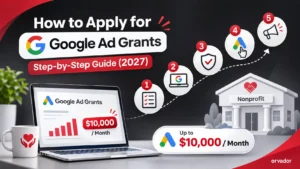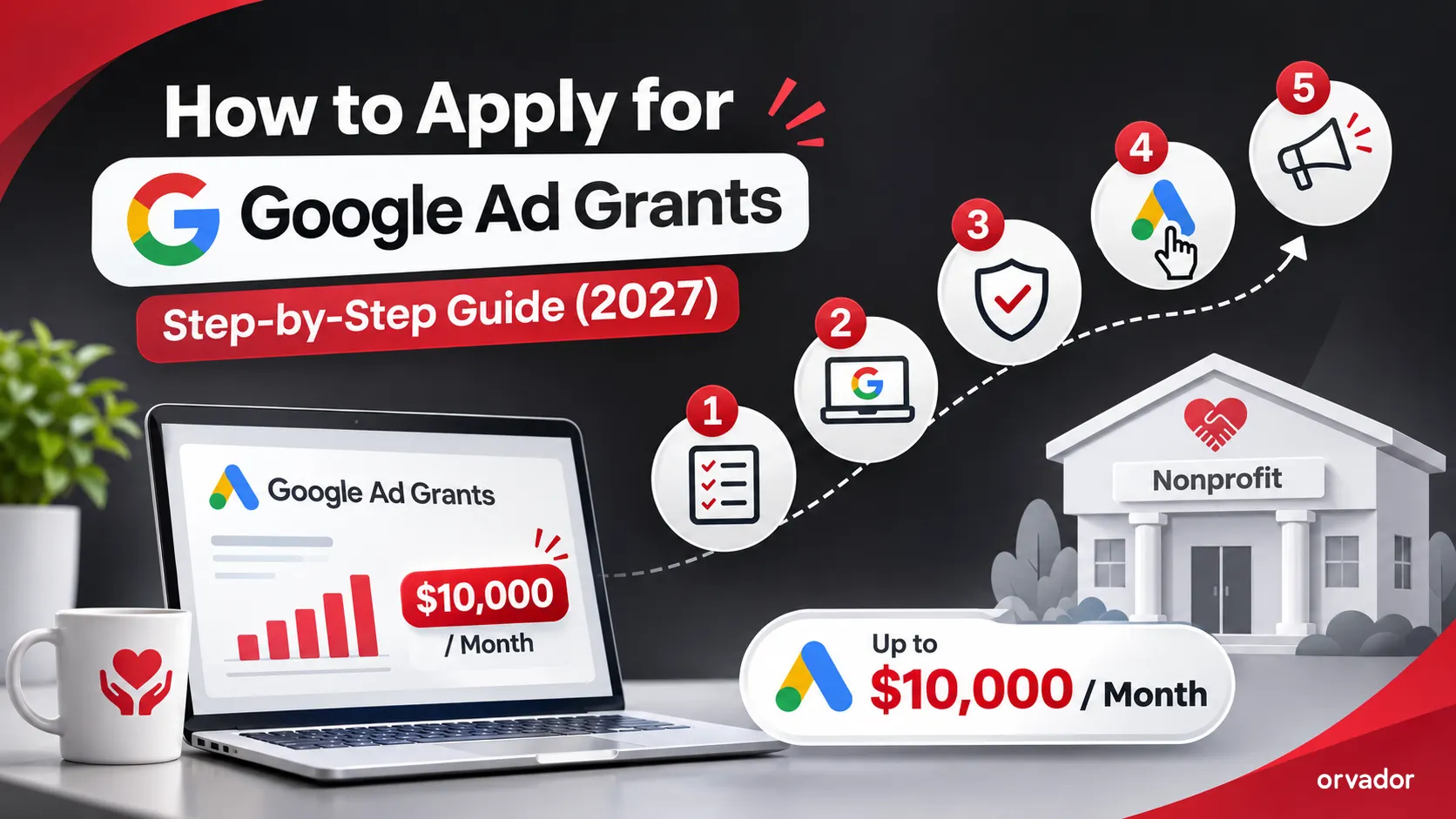
This process involves five steps and just a few hours of actual work if you have all your paperwork in order if you're applying for Google Ad Grants. If you do it right, your nonprofit can get up to $10,000 per month in free Google Search ads.
This guide details all the steps in the 2027 process, the documents required, the timeline for approval, as well as the most common failure reasons.
Quick answer: The steps to take to get Google Ad Grants are: (1) ensure eligibility, (2) log in to Google for Nonprofits, (3) verify your charity, (4) claim your Ad Grants from your Google for Nonprofits dashboard, pass the eligibility check, and (5) create your first Ad Grants compliant campaign and accept the invitation to your Ad Grants account.
The application at a glance
- 1 Ensure eligibility
- 2 Google for Nonprofits
- 3 Verify your charity
- 4 Claim Ad Grants
- 5 Launch campaign
Prefer to hand it over? Our Google Ad Grants management team handles the full application for you.
Before you start: what you need
Gather these before you open the application. Most delays come from missing or mismatched details.
-
Proof of charitable status (e.g. 501(c)(3) letter in the US, Charity Commission number in the UK, registration certificate in India)
Why: Used to verify you are a genuine nonprofit
-
Your organisation's exact legal name, registration number and address
Why: Must match official records exactly
-
A Google Account using your organisation's email domain
Why: Becomes the admin login for Google for Nonprofits
-
Your website URL (own domain, HTTPS)
Why: Reviewed for quality and mission content
-
Your mission statement and a short programme description
Why: Requested during registration
-
Contact details of an authorised representative
Why: The person accountable for the account
How to apply for Google Ad Grants in 5 steps
-
Step 1Confirm you are eligible
Ensure that your organisation is registered and is not a government department, hospital/healthcare provider, School/University etc. Next check your website against Google Quality Guidelines: Own domain name, secure (HTTPS), clear mission content, no broken pages.
- Own domain name
- Secure (HTTPS)
- Clear mission content
- No broken pages
-
Step 2Register on Google for Nonprofits
Navigate to google for nonprofits sign up and click Get started. Use the Google account you wish to use as the admin account (not your personal Gmail account).
Fill in your organisation information as per its registration paperwork. Accept the non discrimination and donation-use certificates.
-
Step 3Complete verification
Your nonprofit Verification partner Official recordGoogle relies on a third party verification partner to verify your charitable status with the official record. The partners will differ depending on country, please see the instructions in your Google for Nonprofits account.
Registration documents and/or email confirmation of details may be requested. Be prompt – unanswered requests are a frequent cause for delays.
-
Step 4Request Google Ad Grants
After you verify this, head to your Google for Nonprofits dashboard, select Google Ad Grants and then click Get started. Fill out their eligibility form, which reviews your site and uncovers your objectives.
Google then checks what you are looking for. When you get approved, you'll get an email invitation in your Ad Grants account.
-
Step 5Activate your account and build your first campaign
Accept the invitation within the deadline in the email. Then build a campaign that meets the programme rules from day one:
Day-one campaign rules- At least two ad groups per campaign, each with at least two ads
- At least two sitelink assets
- Conversion tracking set up (e.g. donations, sign-ups or contact forms via GA4 and Google Tag Manager)
- No single-word or overly generic keywords
- Maximise Conversions bidding, so you can bid above the $2 manual cap
A weak first campaign is the fastest route to a low click-through rate and an early compliance warning. Plan it before you launch.
How long does Google Ad Grants approval take?
Most nonprofits go from registration to a live account in roughly two to six weeks. Timing varies by country, how complete your documents are and how quickly you answer verification requests.
| Stage | Typical time |
|---|---|
| Google for Nonprofits registration | Under an hour |
| Verification of charitable status | A few days to two weeks |
| Ad Grants eligibility review | A few days to two weeks |
| Campaign build and launch | One to three weeks (if done properly) |
These are typical ranges from our experience, not Google guarantees. The fastest way to shorten them is to have every document ready and matching before Step 2.
Common reasons Google Ad Grants applications get rejected
ReasonOrganisation type not eligible
How to fix itCheck the exclusions (government, healthcare, education) before applying
ReasonDetails don't match official records
How to fix itUse your exact legal name, registration number and address everywhere
ReasonExpired or incomplete registration
How to fix itRenew or update registration documents first
ReasonThin or low-quality website
How to fix itAdd mission, programme and impact pages; fix broken links; enable HTTPS
ReasonWebsite looks commercial
How to fix itMake your charitable work the clear focus; keep sales secondary
ReasonVerification requests left unanswered
How to fix itMonitor the admin inbox and reply within days
ReasonInvitation not accepted in time
How to fix itAccept the Ad Grants account invitation as soon as it arrives
If you are rejected, fix the stated reason and reapply. A rejection is rarely permanent.
After approval: your first 30 days
Approval is the start, not the finish. The first month sets your click-through rate and conversion history, which decide whether the grant lasts.
- Confirm conversion tracking fires correctly for donations, sign-ups and forms
- Launch tightly themed campaigns around each programme or audience
- Add negative keywords to block irrelevant searches
- Check CTR weekly and pause keywords dragging it below 5%
- Remove keywords with a Quality Score of 1 or 2
- Review landing pages so ad traffic can easily donate or sign up
- Set a monthly reminder to log in, review and optimise
Want experts to handle it?
Orvador manages Google Ad Grants for nonprofits worldwide, from application and verification to compliant campaign builds, tracking and monthly reporting. Get a free Google Ad Grants audit and we'll map out what your grant could deliver.
Get a free Google Ad Grants audit →