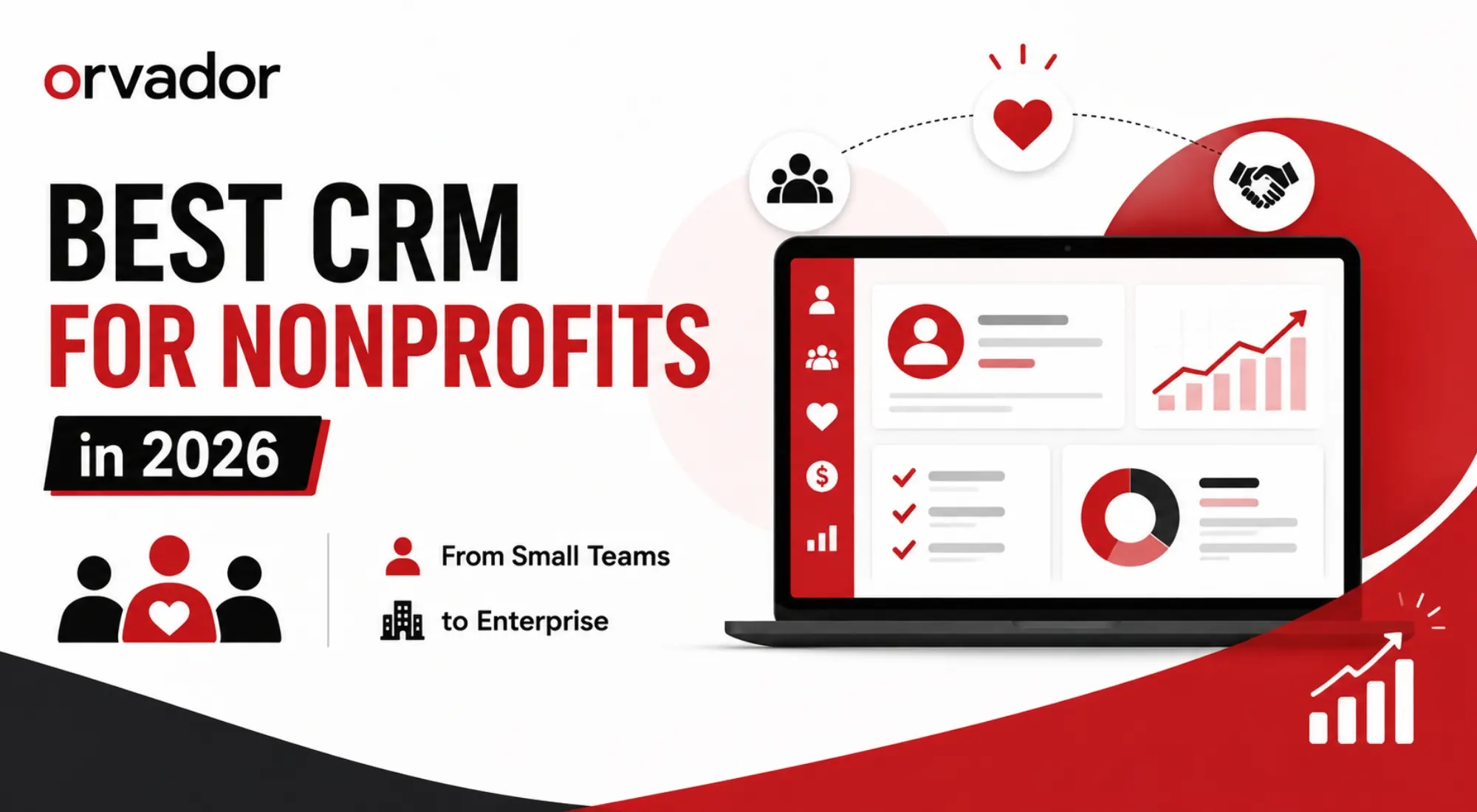
TL;DR: A non-profit CRM is not the same as a donor database. A CRM manages relationships across donors, volunteers, and program participants, while a donor database is narrower and transaction-focused. For small teams and startups, a free CRM for nonprofits (HubSpot’s free tier or Salesforce’s 10 free licenses) is often enough to start. Mid-sized organizations tend to land on Bloomerang, Neon CRM, or Donor Perfect for the best mix of donor features and price. Enterprise nonprofits with $3M+ budgets and dedicated IT usually need Salesforce Nonprofit Cloud or Blackbaud. Below, we score the top contenders on price, donor features, automation, and support, then walk through a 30-day plan to roll out whichever CRM for nonprofits you choose.
CRM vs Donor Database: What’s the Difference
Before comparing tools, it helps to clear up a mix-up that trips up a lot of nonprofit teams: a CRM and a donor database aren’t interchangeable terms, even though vendors use them loosely.
A donor database is built around one relationship type – the donor. It tracks gifts, pledges, acknowledgment letters, and giving history. Tools that started life as pure donor databases (think early DonorPerfect or Raiser’s Edge) are excellent at gift accounting but weren’t originally designed to manage volunteers, program participants, or advocacy contacts in the same system.
A nonprofit CRM, by contrast, is built around the constituent – anyone your organization interacts with, whether they’ve ever given a dollar or not. A modern CRM for nonprofits unifies donors, volunteers, event attendees, board members, grant officers, and program beneficiaries into a single record, so a volunteer who becomes a monthly donor doesn’t show up as two disconnected people in your system.
In practice, the line has blurred. Most platforms marketed today as a “nonprofit CRM” (Bloomerang, Neon CRM, Virtuous, Salesforce Nonprofit Cloud) now include donor-database functionality plus relationship management, marketing automation, and reporting on top. If you’re comparing a CRM for non profit organizations against a standalone donor database, ask one question: does it need to manage more than gift history? If yes, you want a full CRM, not just a ledger of donations. We cover this distinction and how to migrate from a spreadsheet or legacy database in more depth in our companion guide to building a nonprofit donor database.
Scoring Criteria: Price, Donor Features, Automations, Support
To keep this comparison honest rather than just repeating vendor marketing copy, we scored every platform on four criteria that matter most to nonprofit ops teams:
Price. Not just the sticker price, but total cost of ownership: implementation, per-user fees, payment processing fees on donations (usually 2.2%-3.5%), and whether the platform requires a paid consultant to configure. A cheap monthly fee that needs a $30,000 implementation isn’t actually cheap.
Donor features. Recurring gift management, pledge tracking, LYBUNT/SYBUNT reporting (donors who gave Last Year But Unfortunately Not This year, and Some Years But Unfortunately Not This year), soft credits, major-gift pipelines, and tax receipting. This is where a nonprofit CRM earns its keep over a generic sales CRM.
Automations. Donor journeys triggered by giving behavior, automated acknowledgment emails, lapsed-donor re-engagement sequences, and increasingly, AI-assisted donor scoring that flags who’s likely to upgrade or lapse.
Support. Onboarding quality, training resources, and whether you get a human during migration. This is the single biggest predictor of whether a CRM rollout actually sticks or gets abandoned six months in.
We weighted these roughly evenly, but if your team is under five people, price and support should carry more weight than advanced automation you won’t have capacity to use anyway.
The Contenders Compared (Table + Mini-Reviews)
Here’s how the most commonly searched-for platforms stack up for anyone researching the best CRM for nonprofits 2026 options.
| Platform | Best For | Starting Price | Donor Features | Automation | Support |
|---|---|---|---|---|---|
| Bloomerang | Donor retention, small-to-mid orgs | ~$125–$150/mo | Strong Engagement Score, retention dashboard | Good | Excellent onboarding |
| Neon CRM | Membership + events + fundraising in one | ~$99/mo | Strong Unlimited users/records | Good | Solid, self-serve heavy |
| DonorPerfect | Reporting depth, tech-confident teams | ~$99/mo | Very strong Mature | Moderate | Good, dated UI |
| Little Green Light | Small nonprofits, tight budgets | ~$45/mo | Good Simple | Basic | Friendly, small-team feel |
| Virtuous | Responsive/personalized fundraising | ~$5,000–$15,000/yr | Strong AI donor scoring | Excellent | Good, needs data maturity |
| HubSpot | Flexible CRM with marketing tools | Free–$$$ | Basic Not nonprofit-native | Excellent General marketing | Self-serve + paid tiers |
| Salesforce Nonprofit Cloud | Enterprise, complex multi-department orgs | 10 free licenses, then $30K–$100K+ | Very strong Fully customizable | Excellent Agentforce AI | Requires consultants |
| Blackbaud Raiser's Edge NXT | Large fundraising teams, major gifts | Enterprise, $3,000+/yr | Very strong Legacy standard | Good | Strong but pricier |
Bloomerang consistently comes up as the answer when the question is “what’s the best CRM for nonprofits focused on keeping donors, not just acquiring them.” Its Engagement Score and retention dashboards are purpose-built rather than bolted on, and onboarding is widely praised – a real factor when your team doesn’t have a dedicated database administrator.
Neon CRM is the pick if your organization runs memberships, chapters, or a mix of ticketed events and recurring donations. Unlimited users and records at a flat mid-tier price make it attractive for growing teams that don’t want per-seat costs to punish them for adding staff.
DonorPerfect has served tens of thousands of organizations over four decades and remains a strong choice for teams that want deep reporting and don’t mind a less modern interface. It’s a workhorse rather than a design showcase.
Little Green Light earns its spot for volunteer-run or very small nonprofits. It’s the CRM equivalent of a well-organized filing cabinet: simple, affordable, and not trying to be everything.
Virtuous leans into “responsive fundraising,” using AI to help gift officers prioritize outreach and personalize donor communications at scale. It rewards organizations with clean, mature data; it’s less forgiving if your donor records are messy.
HubSpot isn’t purpose-built for nonprofits, but its free tier is genuinely generous. Unlimited contacts and users at no cost, which makes it a reasonable stepping-stone CRM for non profit teams that mainly need contact management, email tracking, and a simple pipeline before they’re ready for donor-specific tooling.
Salesforce Nonprofit Cloud (the successor to the legacy Nonprofit Success Pack) is the enterprise standard. Salesforce.org’s Power of Us Program still grants ten free licenses to eligible 501(c)(3)s, but the free licenses don’t include nonprofit-specific configuration. You’re paying for implementation, which is where costs balloon into five and six figures. It’s the right call if you have IT capacity and multi-department complexity; it’s overkill for a five-person team.
Blackbaud Raiser’s Edge NXT remains the legacy heavyweight for large development shops running major-gift programs, though its pricing and learning curve put it out of reach for most small-to-mid organizations.
For teams coming from older constituent or patron-management platforms, the comparison should also focus on migration, reporting, fundraising workflows, and integrations rather than simply looking for a Patron Manager alternative. The best replacement is the one that solves the underlying workflow problems without creating another difficult migration.
Best Free CRM Options for Nonprofits
If budget is the binding constraint, there are real, usable free CRM for nonprofits options in 2026, not just watered-down trial versions.
HubSpot’s free CRM is the most generous free tier on the market: unlimited contacts, unlimited users, a visual pipeline, and basic email tracking, permanently free with no seat cap. It’s not built around donor-specific workflows like pledges or soft credits, but for an organization migrating off spreadsheets for the first time, it’s a legitimate place to start.
Salesforce’s Power of Us Program gives eligible nonprofits ten free Nonprofit Cloud or Sales/Service Cloud licenses. This is enterprise-grade software at no license cost, but “free” only covers the licenses, not the configuration. Budget for implementation help unless you have in-house Salesforce expertise on staff or board.
Givebutter offers a free CRM paired with its fundraising platform, funded by optional donor tips rather than platform fees. It’s a strong fit if the bulk of your fundraising already happens online and you want fundraising and constituent tracking in one free tool.
CiviCRM is open-source and free to install, which appeals to tech-savvy teams willing to self-host and maintain it. There’s no license cost, but you’re trading dollars for the technical skill needed to run and update it.
For most small nonprofits searching for the best donor database for nonprofits on a limited budget, the realistic starting point is HubSpot (contact management) or Givebutter (if fundraising-led), with a plan to graduate to a donor-native CRM like Bloomerang or Neon once gift volume and reporting needs outgrow the free tier.
Implementation: 30-Day Rollout Plan
Picking the right nonprofit CRM is half the job. The other half is not letting the rollout stall. Here’s a realistic 30-day plan:
Days 1-5: Data audit and cleanup. Export your existing donor/contact data (from spreadsheets, a legacy database, or your fundraising platform) and clean it before it touches a new system. Standardize name formats, remove duplicates, and flag incomplete records. Migrating messy data into a clean CRM just gives you a messy CRM.
Days 6-10: Field mapping and configuration. Map your existing fields (donor type, campaign codes, soft credits) to the new platform’s data model. Decide what’s mandatory versus optional at data entry. Over-requiring fields is the fastest way to get staff to stop using the system properly.
Days 11-15: Migration and testing. Import a test batch first, not your full database. Check that gift histories, pledges, and constituent relationships (household links, employer matches) came across correctly before running the full migration.
Days 16-20: Automation and workflow setup. Build your first automated sequences – acknowledgment emails, lapsed-donor flags, recurring gift reminders. Start with two or three workflows rather than trying to automate everything on day one.
Days 21-25: Staff training. Run role-specific training: development staff need gift entry and reporting; program staff need volunteer or participant tracking; leadership needs dashboard access. A CRM only pays off if the people using it daily are confident in it.
Days 26-30: Go-live and review. Run parallel systems for your final week if possible, sunset the old system, and schedule a 60-day check-in to catch adoption gaps before they become permanent workarounds.
Still not sure which CRM fits your team?
Choosing between a dozen platforms with overlapping features and confusing pricing pages isn’t something you should have to figure out alone, especially when the wrong choice costs months of migration time you don’t have back. Get unbiased help picking your CRM with a free call with Orvador’s nonprofit strategy team. We’ll walk through your team size, donor volume, and budget, and tell you honestly which platform fits – no vendor kickbacks, no upsell.
Book your free CRM consultation →
Related reading: How to Leverage Generative AI to Write Grant Proposals That Win· Nonprofit Donor Database Guide